
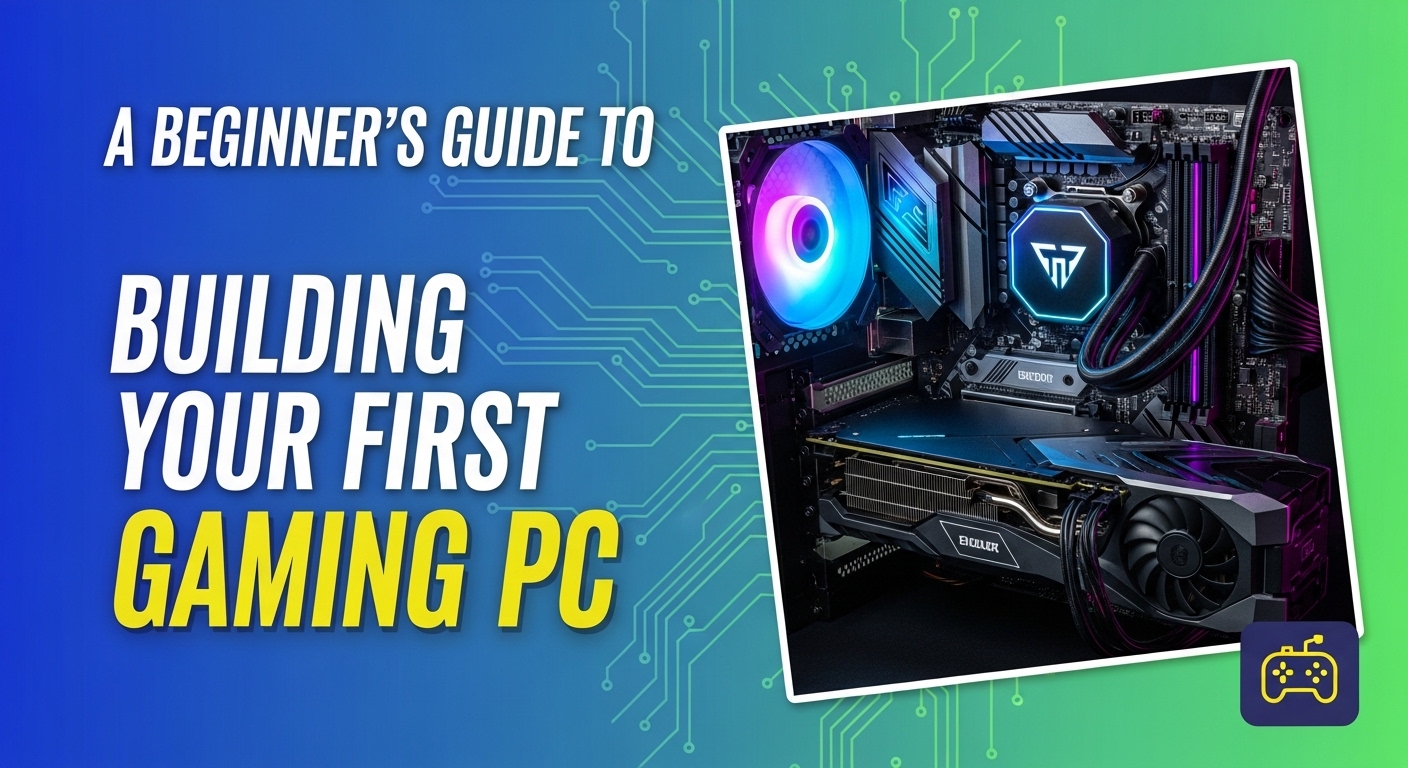
Many people thinks that only experts can build a computer, but that is simply not true. My opinion is that building your own gaming PC is the coolest and most rewarding project you can ever try. It feels like creating your own high tech masterpiece from scratch. It is much easier than people think and it gives you a computer that is way faster and better than anything you can find sitting on a store shelf.
I believe that every gamer should try building their own PC at least once. It is a fun project that feels like playing with advanced LEGO sets. If you can use a screwdriver and follow a few simple steps you can build a computer that makes your favorite games look amazing. In this guide I will show you exactly how to do it and why it is the best choice for your gaming future.
Why Building is Better Than Buying
I believe that building a computer is much better than buying one that is already made. When you build it yourself you get to choose every single part. This means you can spend more money on the parts that make games look pretty and less on things you do not need. Also if something breaks in the future you will know how to fix it because you were the one who put it together. I think the feeling of pride you get when the computer turns on for the first time is the best part of the whole project.
Many stores sell computers that look cool but use cheap parts inside. When you buy your own parts you know exactly what you are getting. You can choose a fast brain and a great graphics card. In my opinion this saves you money in the long run because your computer will last longer and play games better. You will not have to buy a new one as often.
The Brain and the Power
Every computer needs a brain to tell it what to do. This part is called the CPU. I think of the CPU as the coach of a sports team. It tells all the other parts where to go and what to do. You also need a power supply which is like the battery for the whole machine. It plugs into the wall and sends electricity to every part so they can stay awake.
Without a good power supply your computer might turn off while you are playing. I believe you should always get a power supply that has a little bit more power than you think you need. This keeps the computer safe and lets you add more parts later if you want to. It is like having a bigger gas tank for a car.
The Most Important Parts
To build a great gaming computer you need a few main components. I believe you should focus most of your budget on the Graphics Card. This is the part that makes the grass look green and the water look blue in your games. Without a good Graphics Card your games might look blurry or laggy.
| Part Name | What it Does | Why it Matters |
| CPU | The Brain | It handles all the math and logic |
| Graphics Card | The Artist | It draws the pictures on your screen |
| RAM | The Short Term Memory | It helps the computer do many things at once |
| SSD | The Long Term Memory | It stores your games and makes them load fast |
| Motherboard | The Backbone | It connects all the parts together |
1 Choose Your Parts Wisely
Before you start you need to make sure all your parts fit together. I think you should use a website to check if your CPU fits your Motherboard. Not all parts work with each other. It is like trying to put a square peg in a round hole. You do not want to buy an expensive part only to find out it does not plug in.
You also need to decide how much money you want to spend. I believe a good beginner gaming computer should cost between seven hundred and one thousand dollars. This will give you enough power to play games like Fortnite or Roblox with very high settings. If you want to play very big games with fancy lights you might need to spend a bit more.
- Check part compatibility online before buying
- Read reviews from other builders to see what works
- Stay within your budget so you have money left for games
2 Prepare Your Workspace
Building a computer takes space and a clean area. I believe you should find a big flat table in a room with a hard floor. Do not build your computer on a carpet because static electricity can jump from your socks and hurt the computer parts. Tiny shocks that you cannot even feel can break the parts forever.
You should also have a small bowl to hold all the tiny screws. There are many different sizes of screws and if you lose one it can be very frustrating. I think being organized is the secret to a fast and easy build. Make sure you have plenty of light so you can see where everything goes inside the dark case.
3 Install the CPU and RAM
The first real step is putting the CPU and RAM into the Motherboard. This happens before you even put anything inside the computer case. I believe this is the most nervous part for beginners because the CPU is small and fragile. It has many tiny pins that can bend if you are not careful.
You have to be very gentle when you lower the CPU into its socket. Do not push it down with your hand. It should just fall into place like a perfect fit. The RAM sticks are easier because they just click into their slots. You will hear a loud click sound when they are in all the way. I think it is very satisfying to hear those clicks.
4 Put the Motherboard in the Case
Now it is time to put the backbone into the computer box. The case is what holds everything together and keeps it safe. I believe you should take your time with the screws here. You need to line up the Motherboard with the little metal standoffs in the case.
Make sure the Motherboard is lined up with the holes in the case. Once it is screwed in you can start connecting the wires from the front of the case. These wires let you use the power button and the USB ports. This is where the computer starts to look real. It is a very exciting moment in the build.
5 Add the Graphics Card
This is my favorite part of the whole process. The Graphics Card is usually the biggest and coolest looking part of the computer. It plugs into a long slot on the Motherboard. Just like the RAM it will click when it is in place. You might need to remove some small metal covers on the back of the case first.
I believe the Graphics Card is the heart of a gaming machine. Once it is in you will need to plug a power cable from the power supply into the side of the card. This gives it the energy it needs to draw those amazing game worlds. Without this cable the card will not work and you will not see anything on your monitor.
6 Cable Management
Cable management is just a fancy way of saying tidying up the wires. I think a pro builder always hides their wires behind the back of the case. This makes the inside of the computer look clean and professional. It also helps air move around better which is very important for a gaming computer.
If air can move easily the parts will stay cool and happy. If the parts get too hot the computer will slow down to protect itself. I believe using zip ties to hold wires together is a great idea. It makes everything look neat and organized. You will feel much better when you look through the glass window of your case and see a tidy machine.
- Use the holes in the case to hide wires behind the back
- Keep wires away from spinning fans so they do not get cut
- Use ties to group cables together in straight lines
7 Turn It On and Install Windows
The big moment has finally arrived. You plug the computer into the wall and hit the power button. If everything is right the fans will spin and the lights will glow. I believe this is the best feeling in the world for a new builder. It means you did it. You built a working computer.
Next you will need to install the operating system which is usually Windows. You do this with a USB drive that you plug into the front of the case. Follow the instructions on the screen to set up your computer. Once Windows is installed you can download your games and start playing. It is a long process but it is totally worth it.
My Final Thoughts
In my opinion building a gaming computer is a skill that will stay with you forever. Even if you only do it once you will understand more about technology than most people. You do not need to be a genius or a math expert to do this. You just need to follow the instructions and be careful with the parts.
I believe that anyone can build a great computer if they try. It is a fun project to do with a parent or a friend. Once you finish you will have a powerful machine that you built with your own two hands. That is something to be very proud of. Every time you win a game you can remember that you built the machine that made it possible.
Summary of Steps
Here is a quick list to help you remember the order of your build.
- Pick your parts and check if they fit together
- Clean off a big flat table to work on
- Put the CPU and RAM on the Motherboard first
- Screw the Motherboard into the computer case
- Install the Graphics Card and plug in the power
- Hide the wires to help the air move better
- Turn on the computer and install your favorite games